
ReiBoot
ReiBoot is a Tenorshare utility for Windows that puts an iPhone or iPad into or out of recovery mode and repairs common iOS system problems.
69.7 MB

3.14.4 · SE Co Ltd · Page updated
Odin3 is a Windows tool for flashing firmware files onto Samsung Android phones and tablets over a USB cable.
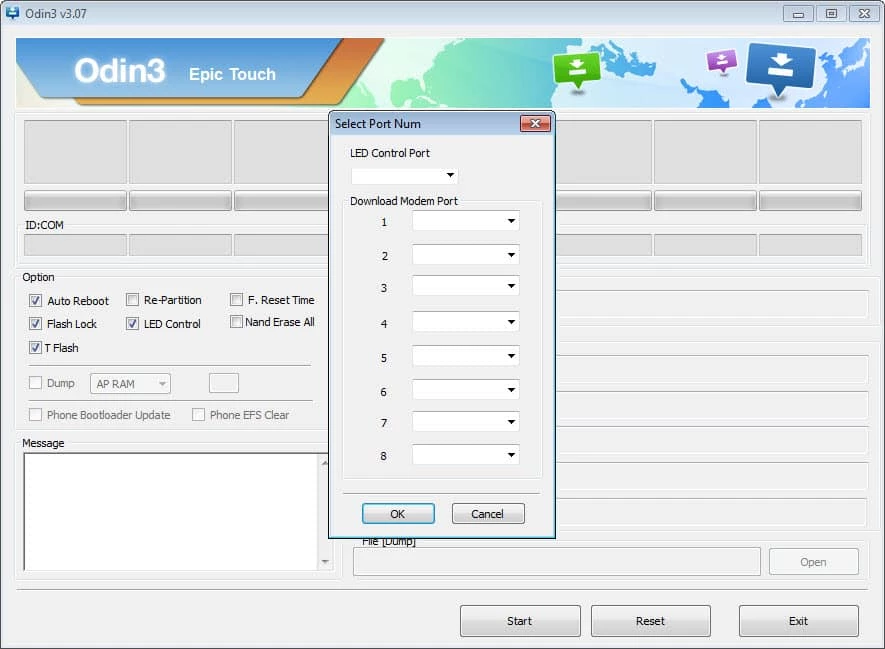
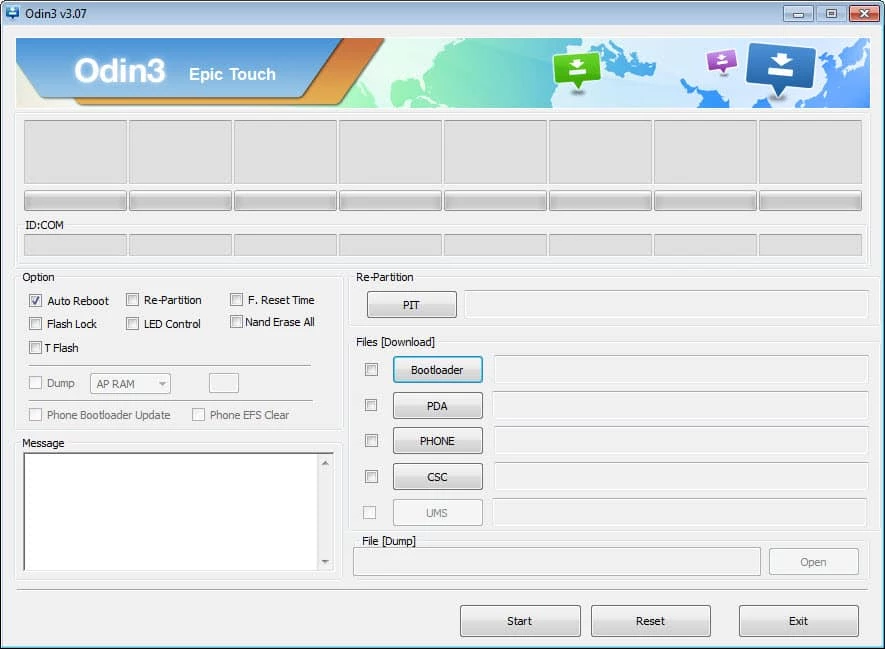
Odin3 3.14.4 is a small Windows utility for flashing firmware onto Samsung Android phones and tablets over USB. People download Odin for Windows when a device needs its system software reinstalled from a computer, for example after a failed update, and it is distributed as freeware.
Odin is a service tool, not an everyday program. It is meant for people who already know what firmware they need and why: repair technicians who restore phones that no longer boot, experienced users who return a device to official software after experiments, and owners who want to reinstall the stock system when an ordinary reset does not help. For them, Odin is a direct way to write firmware files to the phone while it is in a special download mode. If your phone simply runs slowly, has too little storage or shows an update notification, Odin is the wrong tool. A factory reset, a regular system update or Samsung's own desktop software solves those cases with far less risk, and none of them requires handling firmware files by hand. Treat Odin as the last step, after the simpler options have failed.
| Item | Details |
|---|---|
| Version | 3.14.4 |
| Developer (as listed) | SE Co Ltd |
| Platform | Windows |
| Licence | Freeware |
| Size | about 4.29 MB according to catalogue data |
We do not have an official download page for Odin in our data, and copies circulate on many forum and file sites. That is a security problem in itself: a modified archive can contain malware, so scan any download with an antivirus and prefer sources the repair community widely trusts. Odin writes directly to the system partitions, so it has full control over the software of the phone, and mistakes have real consequences:
Use Odin only on your own device. If you are unsure, an authorised Samsung service centre can reinstall the software for you.
Before reaching for a flash tool, try the regular system update in the phone's settings, a factory reset, or Samsung Smart Switch on the PC, which can reinstall official software through the manufacturer's own process. Odin makes sense only when those options fail, and then only with official firmware for your exact model. This page deliberately does not give step-by-step flashing instructions: they differ from model to model, and a generic guide is a common cause of bricked phones.
For everyday updates and backups, Samsung Smart Switch in our listings is the safer choice. SamFirm is listed for finding firmware files; for other brands, see Huawei HiSuite or PhoenixSuit.
ReiBoot is a Tenorshare utility for Windows that puts an iPhone or iPad into or out of recovery mode and repairs common iOS system problems.

DirectX 9.0c is an older version of Microsoft's multimedia and graphics APIs that many classic Windows games still need to run.

DirectX 10 is a version of Microsoft's multimedia and graphics API that comes with Windows; older games may also need the DirectX End-User Runtime.

3uTools is a free Windows program for managing an iPhone or iPad from a PC, including files and device information.

Huawei HiSuite is Huawei's official PC suite for Windows and macOS for backing up, managing and updating Huawei phones and tablets.

DirectX 11 is a version of Microsoft's collection of multimedia and graphics APIs that Windows games and apps use to work with the graphics card and sound.

DirectX 12 is Microsoft's graphics and multimedia API for Windows. It is part of the system and updated through Windows Update and graphics drivers.

DriverPack Solution is a free Windows tool by Artur Kuzyakov that detects missing or outdated drivers and installs them from its own driver collection.